The Smartsheet Tool I Wish I'd Had 18 Years Ago: Claude's MCP Integration
For two decades, my job was finding the answer hidden in the spreadsheet. Claude's MCP integration just changed what's possible for operations teams running on Smartsheet.
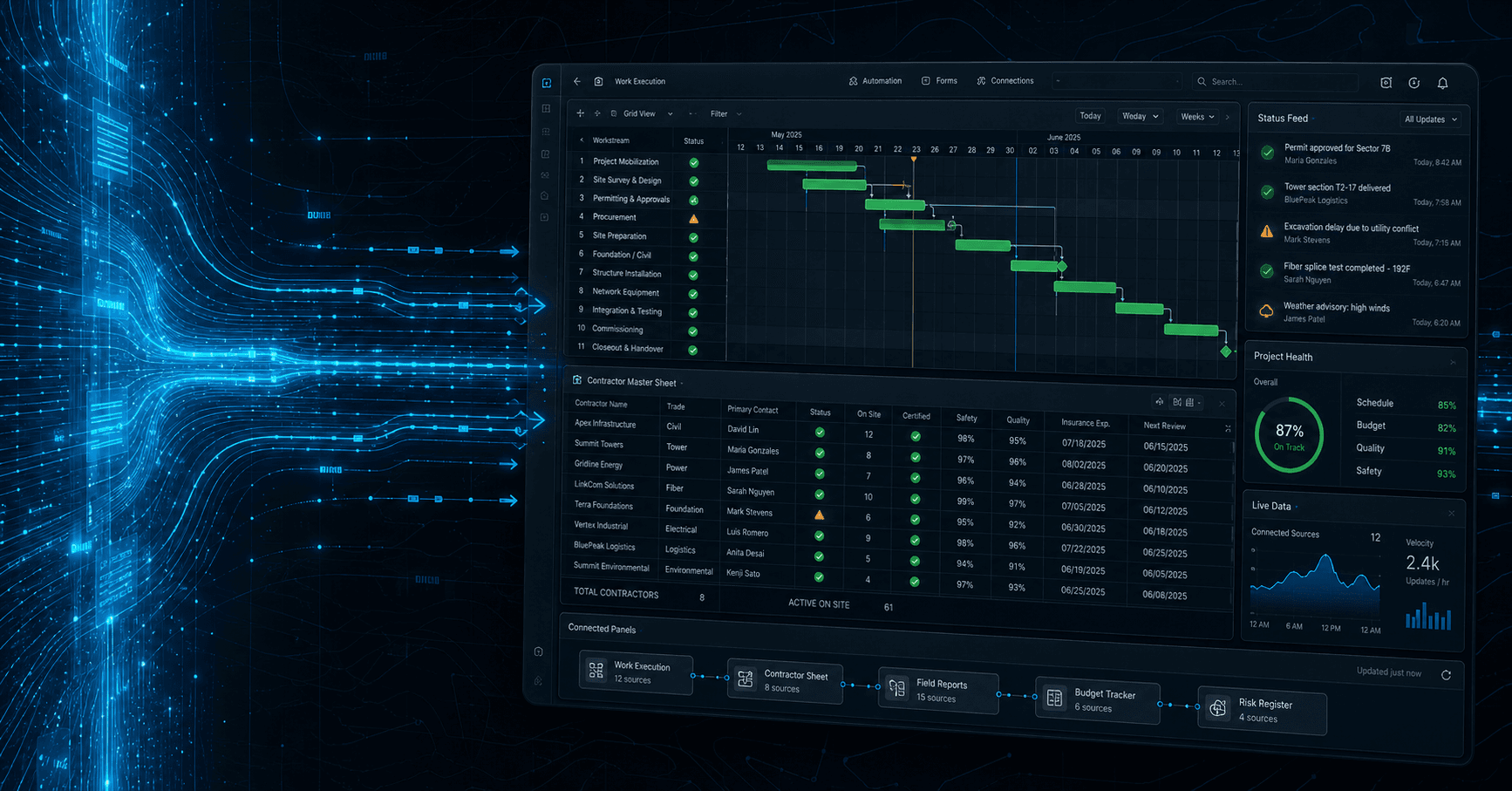
For most of my career running telecom and infrastructure programs, my job was finding the answer hidden in the spreadsheet.
Which crew is approved to work in this market? Pull the contractor master sheet, filter, cross-reference compliance, check capacity, look up mobilization lead time.
How many of last week's site builds came in under budget? Run a report, dump to Excel, reformat, build a pivot, present to leadership Monday.
Why did this project slip? Find the change log, scroll through 200 rows of comments, find the moment someone shifted a dependency, build a timeline.
Hours every week. Sometimes hours every day.
The information was always in Smartsheet. The hard part was getting it out, summarized, and into a form a human could actually use.
That just changed.
What Just Changed
If you haven't heard of MCP — Model Context Protocol — that's about to become important. It's an open standard from Anthropic that lets AI models like Claude connect directly to your tools. Not "Claude can read a screenshot of your spreadsheet" — but "Claude can query your live Smartsheet workspace and act on the results, with your approval."
When you wire Claude into Smartsheet via MCP, this is what becomes possible:
- "Show me every contractor crew that's approved, available next week, and compliant for fiber work in the Killeen market."
- "Build a Q4 forecast report comparing planned vs. actual project completion across the construction division."
- "Flag every project where the schedule baseline has slipped more than 5 days and tell me why."
- "Draft a status update for executives based on this week's site closeouts."
Not "here's a template you could use." Actual answers, grounded in your live data, on demand.
For someone who's spent two decades inside operations, this isn't another AI demo. This is a foundational shift.
What It Actually Means for Operations Teams
The biggest mistake we see leaders making right now: thinking AI is about replacing work. It isn't. AI is about removing the friction between you and the work that matters.
Here's what changes when Claude sees your Smartsheet directly:
Scheduling decisions get faster and better. That contractor master sheet I mentioned? With Claude wired in, you can ask "should we send Crew 7 to this project?" and get an answer that's already accounted for approval status, compliance gates, equipment capacity, scheduling violations, and mobilization lead time.
Status reporting becomes a conversation. No more chasing PMs for updates. Ask "what changed across all active projects this week?" and you get a real summary grounded in actual sheet data.
Knowledge stops walking out the door. Tribal knowledge gets captured. Claude reads the notes, the change logs, the comments. The institutional memory becomes accessible to the next coordinator without a 6-month ramp.
Cross-departmental visibility actually happens. When Claude can read across all your sheets and reconcile in real time, the "do the numbers match" question gets a real answer.
Why "Propose, Never Act" Matters
Here's the part most AI integrations get wrong: they're built to automate, not to assist. They send the email. They commit the change. They post the update. And when they're wrong, it's loud, public, and expensive.
That's not how we build. Every Claude-powered workflow we set up at Tomorrow’s Tech AI follows one rule: AI proposes, you decide.
Claude can draft the schedule change. You approve before it's committed. Claude can suggest the right crew. You confirm before dispatch. Claude can compile the executive summary. You read it before it ships.
The integration gives you leverage, not handed-over control. AI is leverage, never autopilot.
Where to Start
If you're a Smartsheet-first operations team thinking about this, here's the sequence we'd recommend:
1. Map the queries that already kill your week. What questions do you keep asking your sheet that take more than 5 minutes to answer? Those are your first MCP targets.
2. Clean the foundation first. Layer AI on disorganized sheets and AI gives you disorganized answers. Column naming has to be consistent. Status fields need defined values. The contractor master sheet has to be the single source of truth.
3. Start with read-only queries. Don't give Claude write access on day one. Build trust through accuracy before write access.
4. Define your propose-vs-act boundaries. Make it explicit. Hardest part culturally, most important.
5. Scale to write actions one workflow at a time. Low-risk writes first. Trust the pattern, then expand.
That's where we work. If your team is running operations through Smartsheet and you're wondering what an MCP-enabled workflow could look like for your specific business, we'd be glad to compare notes.
John Hockinson
Founder of Tomorrow’s Tech AI. 18 years inside telecom and infrastructure programs — now building business operating platforms, AI command centers, and operations systems for businesses still running on spreadsheets and email chains.
More about John →More from the field.
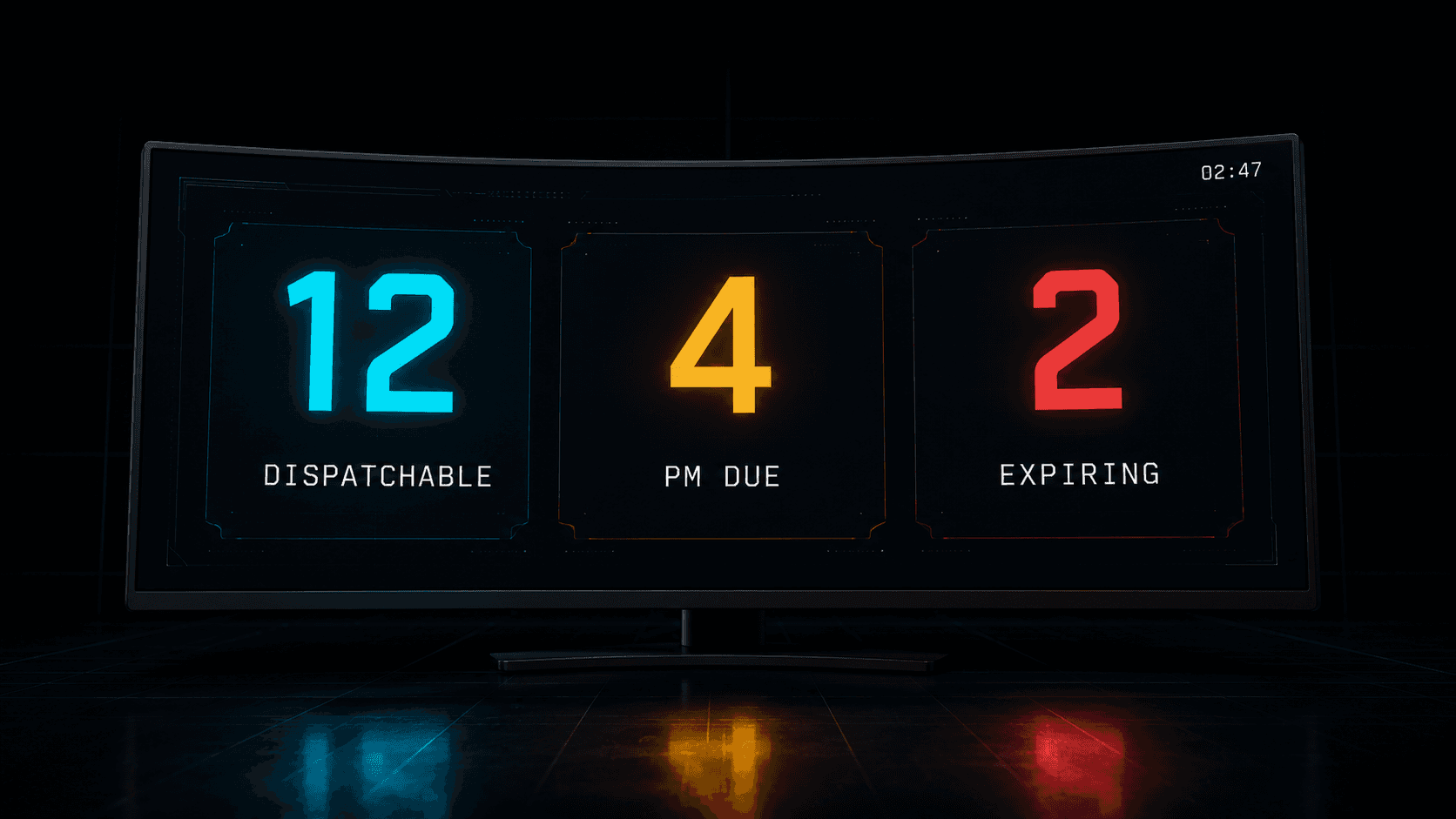
The Three Numbers Every EMS Fleet Director Should Know Without Opening a Spreadsheet
Most fleet software was built for trucking, not ambulances. Here's the operational reality of running an EMS service — and what changes when you finally build software for the actual job.
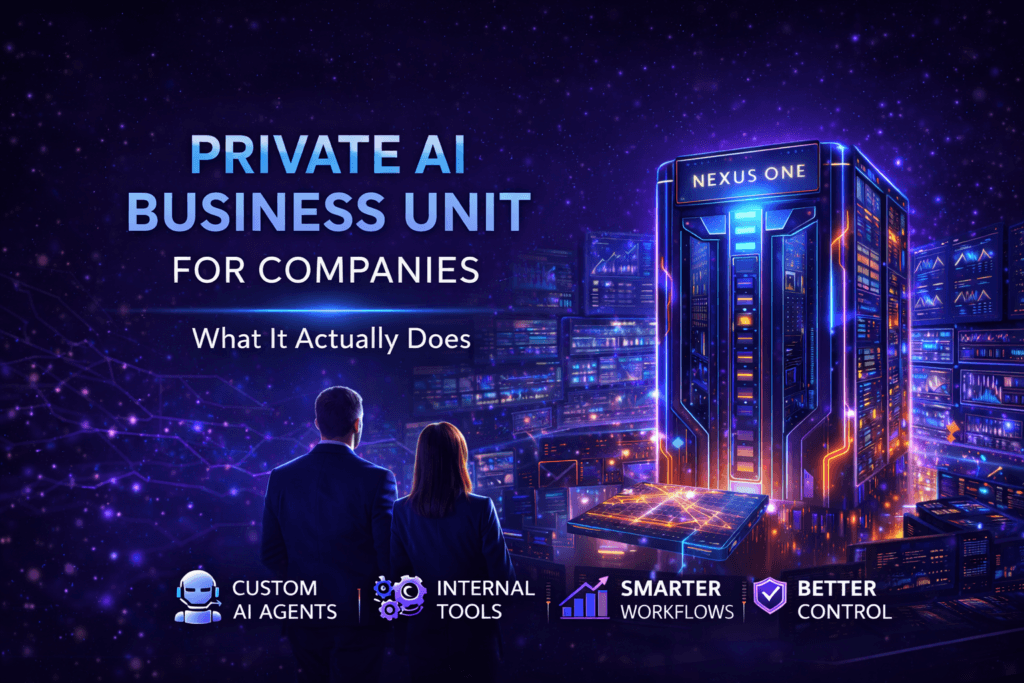
What a Private AI Business Unit Actually Does for a Company
A lot of people hear the term AI and immediately think of chatbots, public tools, or content generation. A private AI business unit is something different.
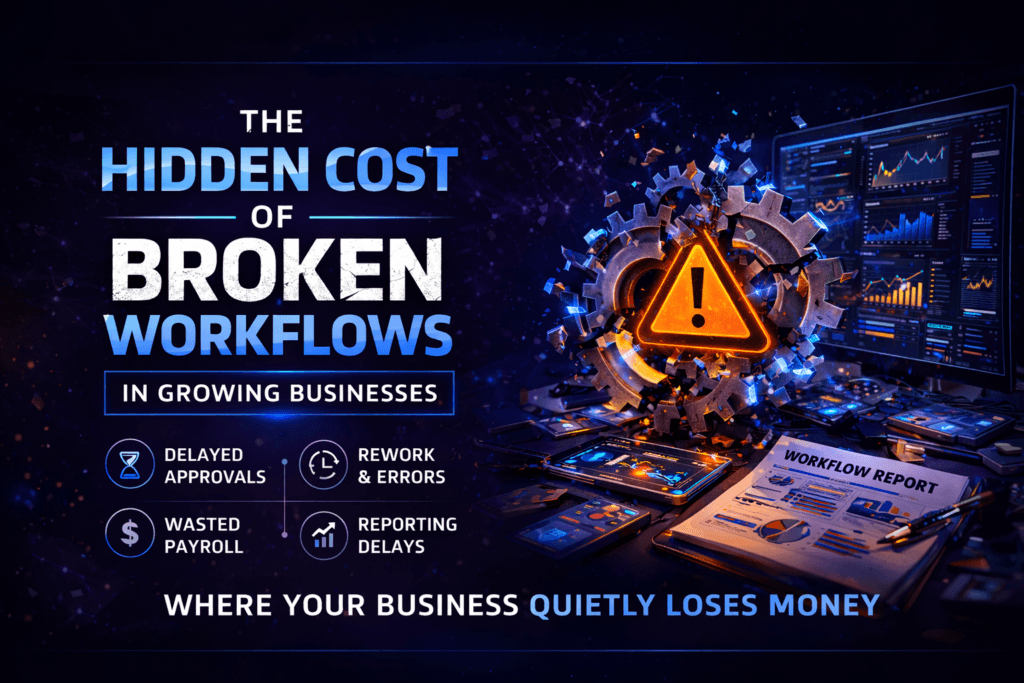
The Hidden Cost of Broken Workflows in Growing Businesses
Broken workflows do not always look dramatic. They often look like delays, rework, confusion, and wasted payroll. That is where businesses quietly lose money.
Wondering what this would look like for your operations?
Book a discovery call. 30 minutes, no pitch, real conversation.
Book a discovery call →